Why I built it
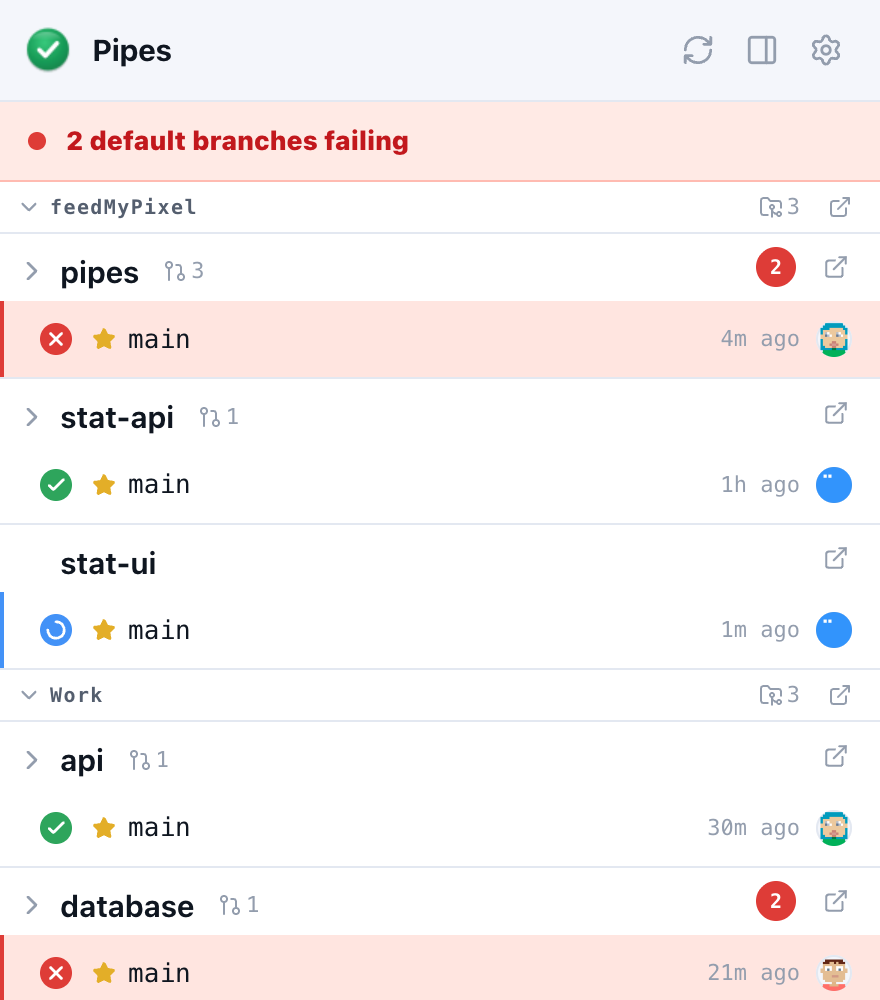
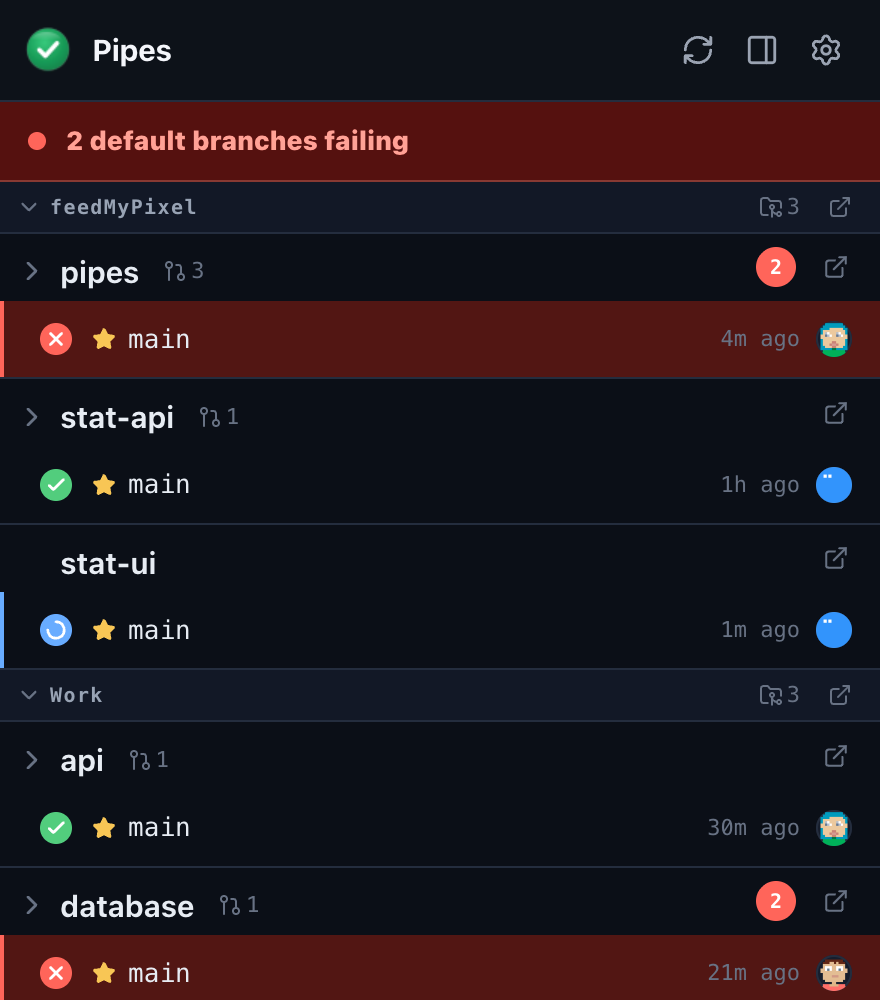
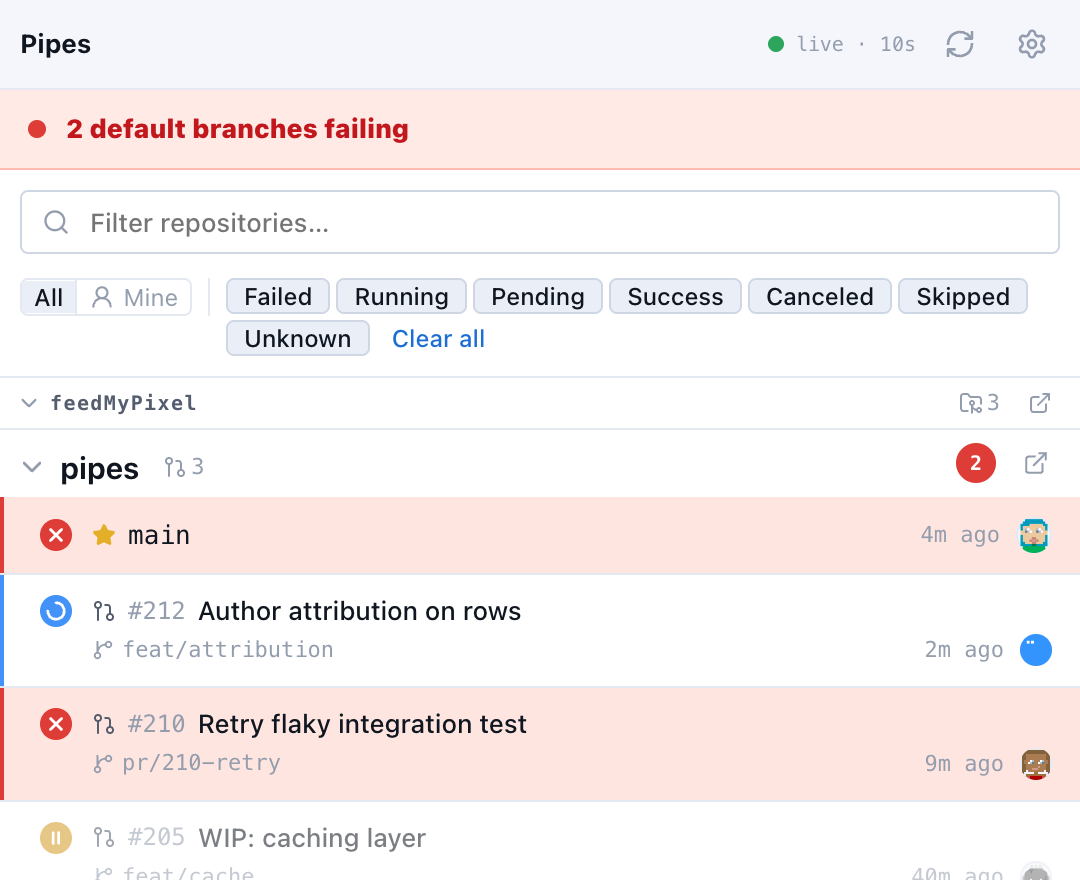
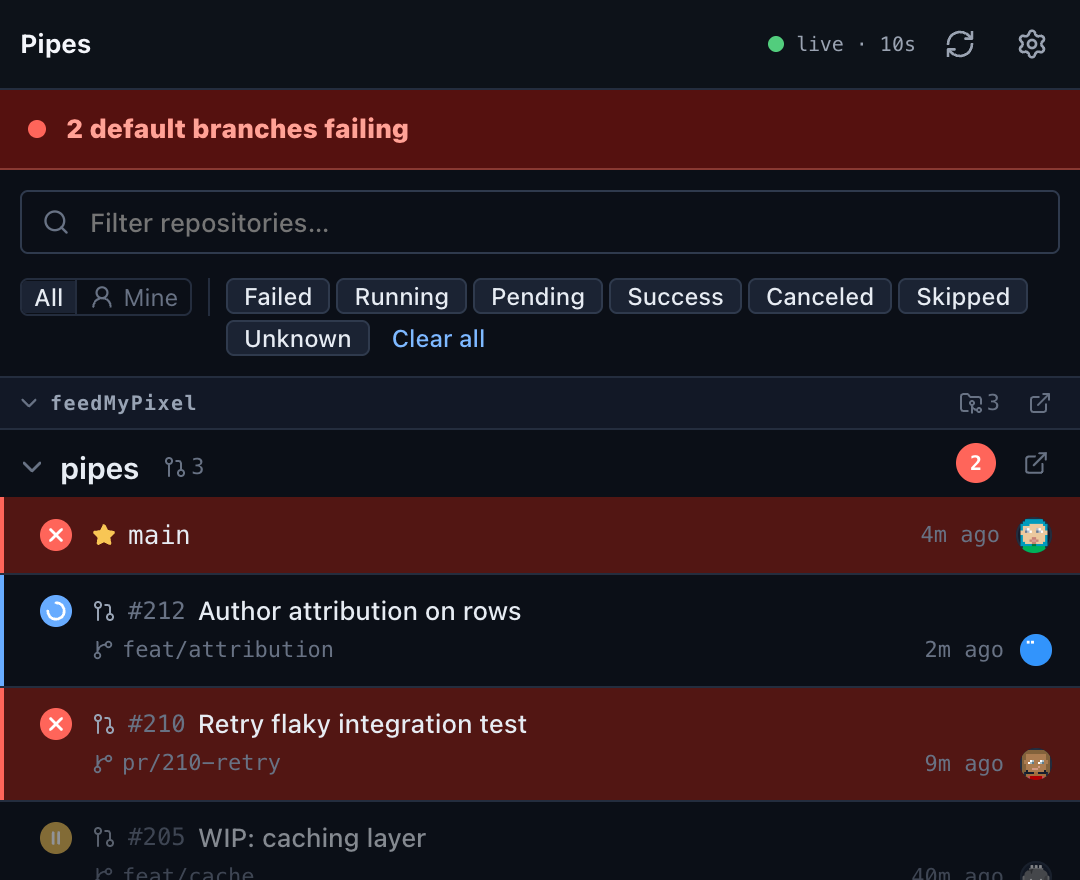
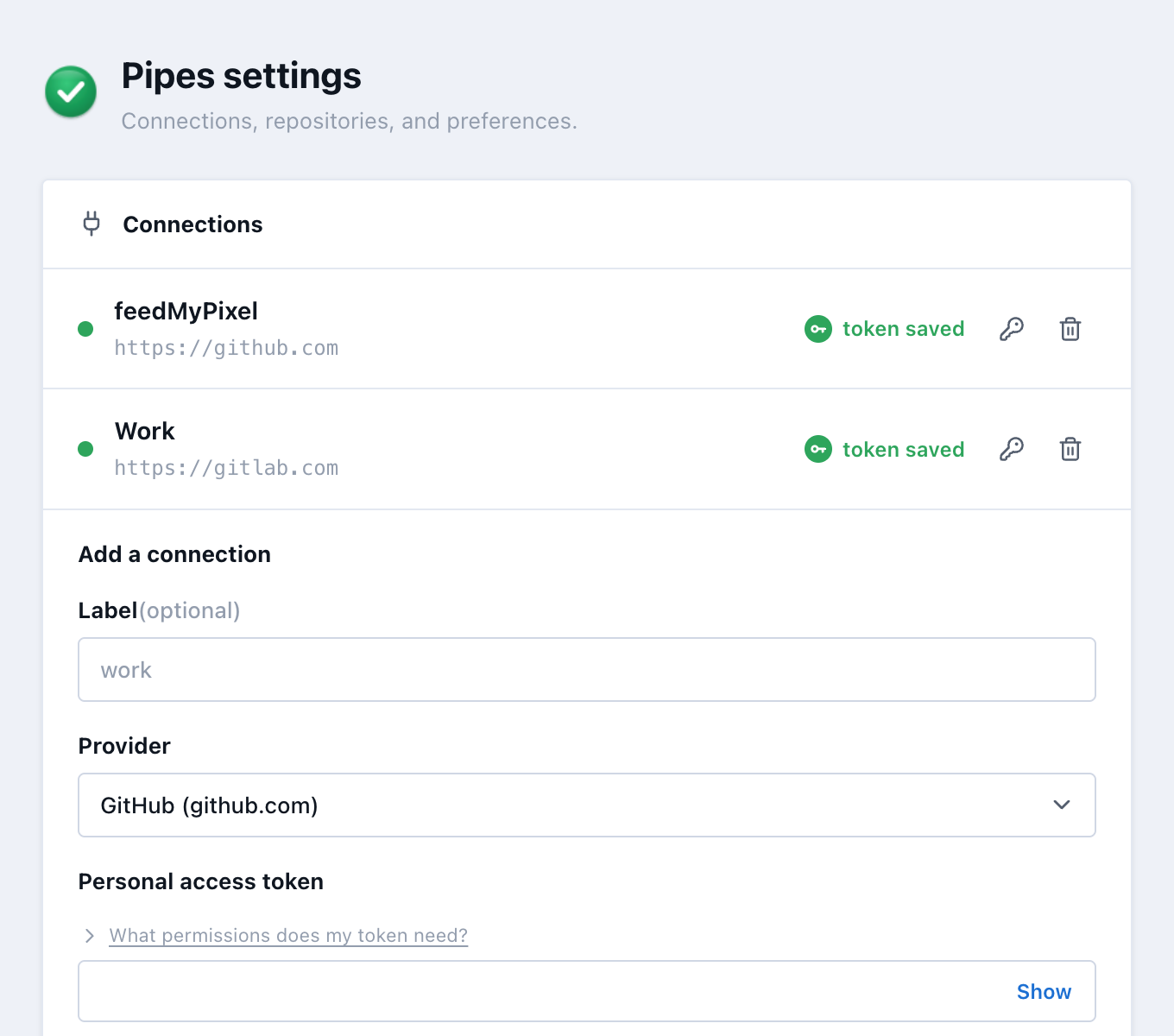
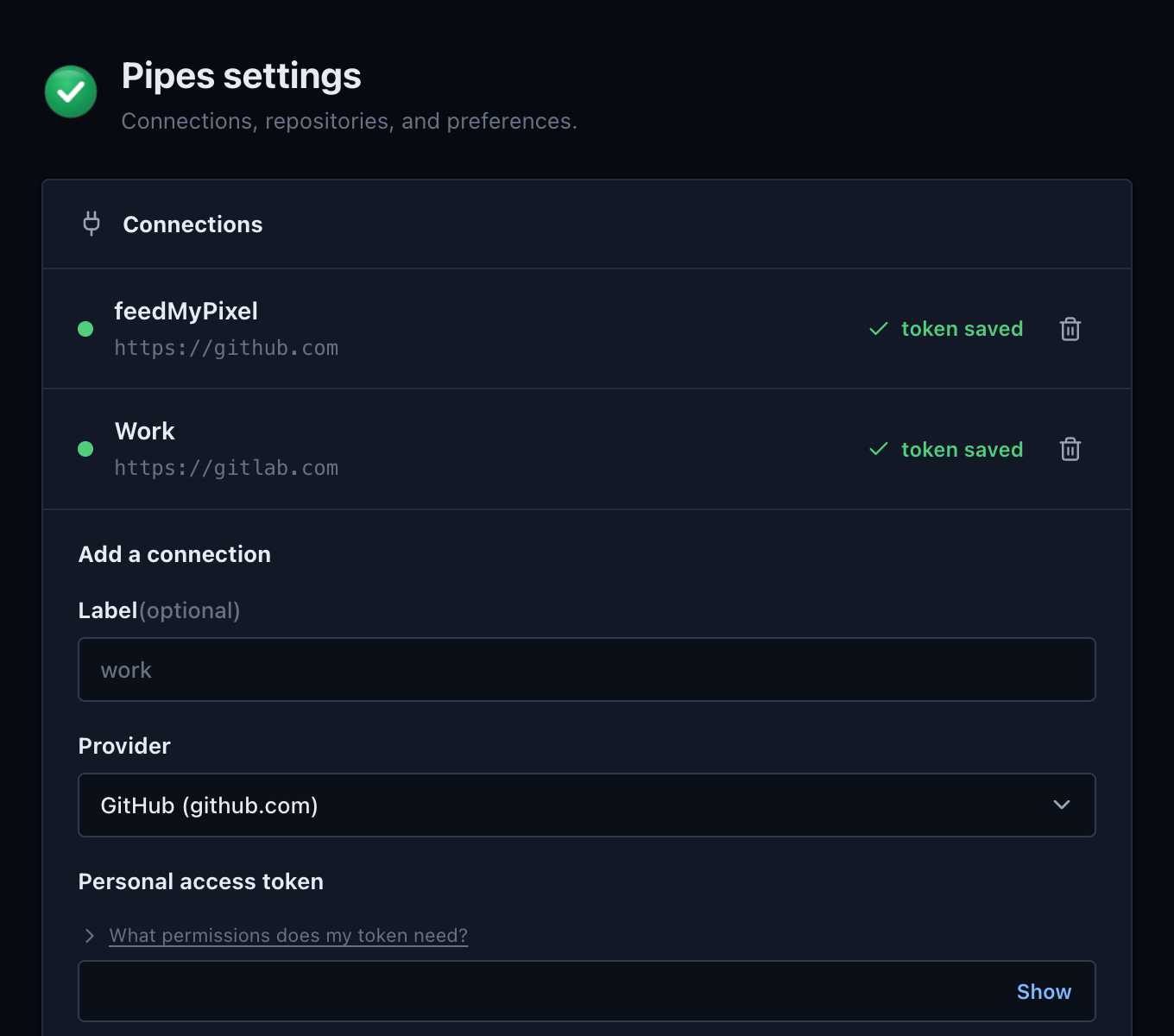
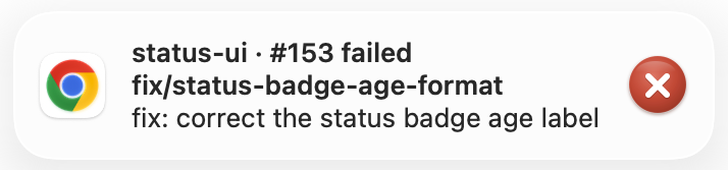
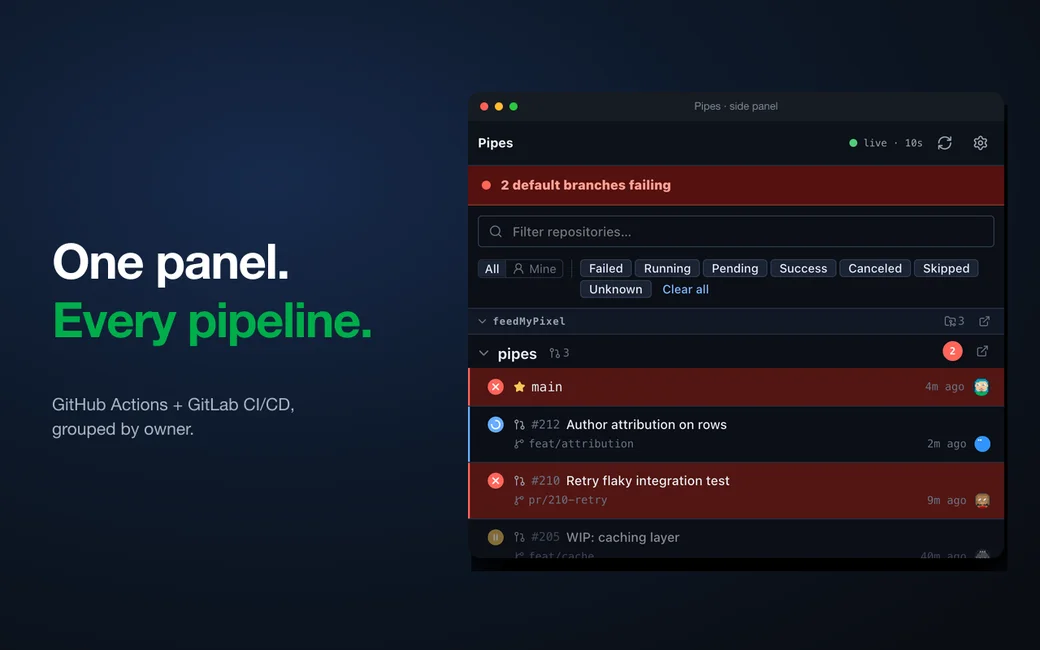
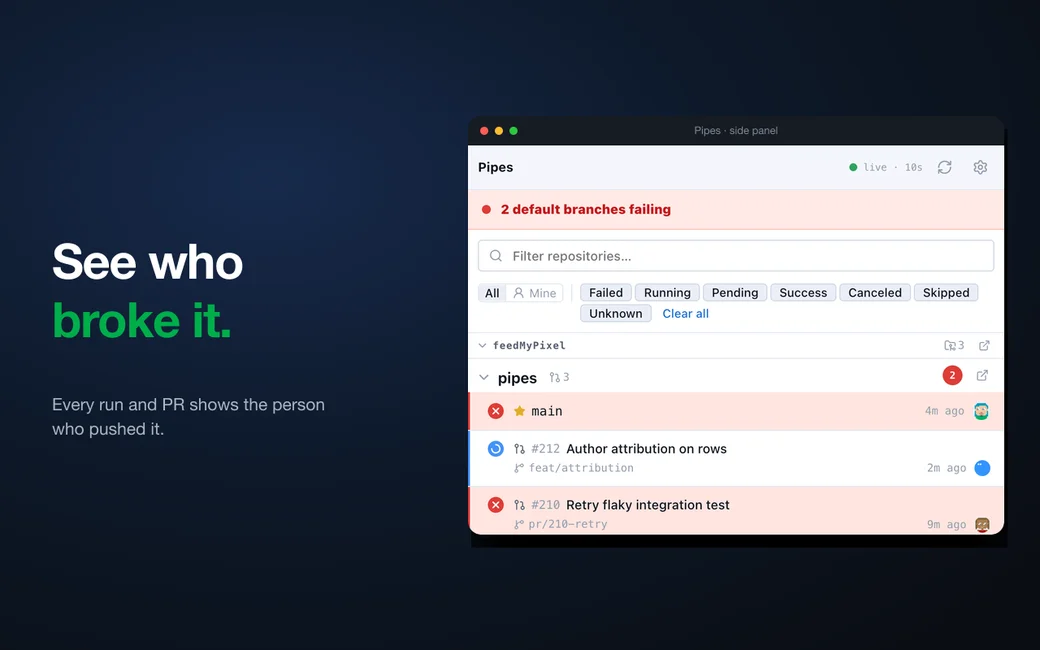
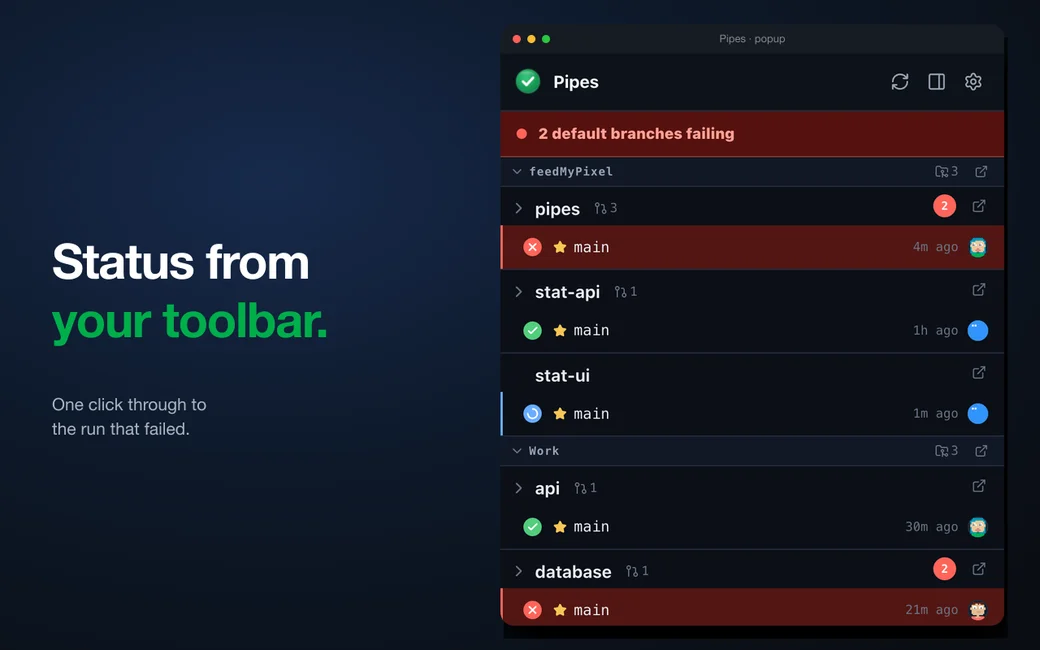
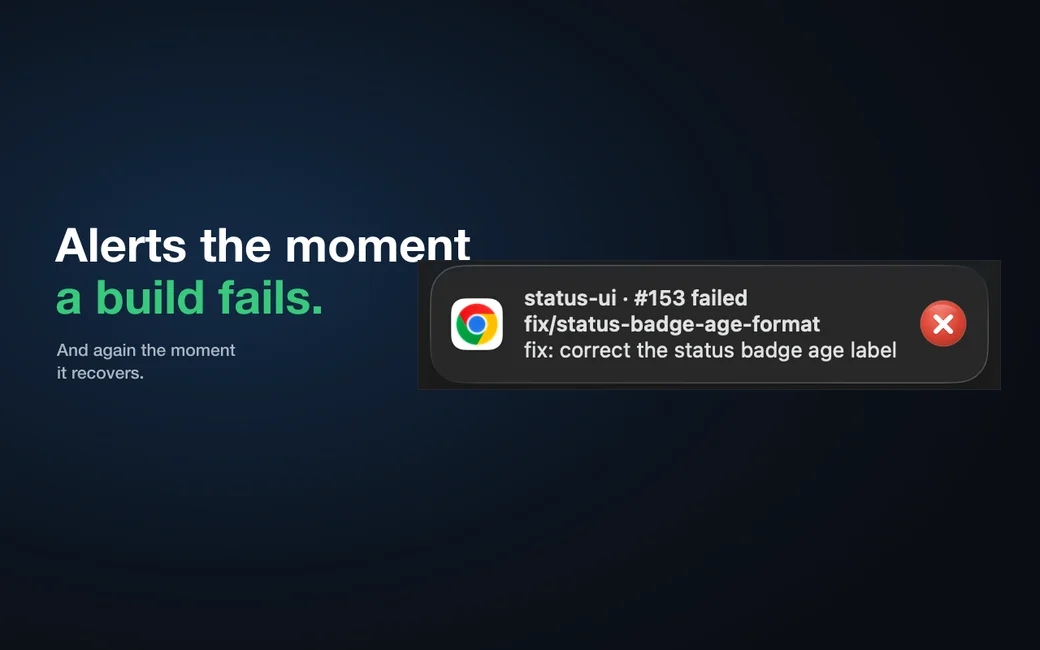
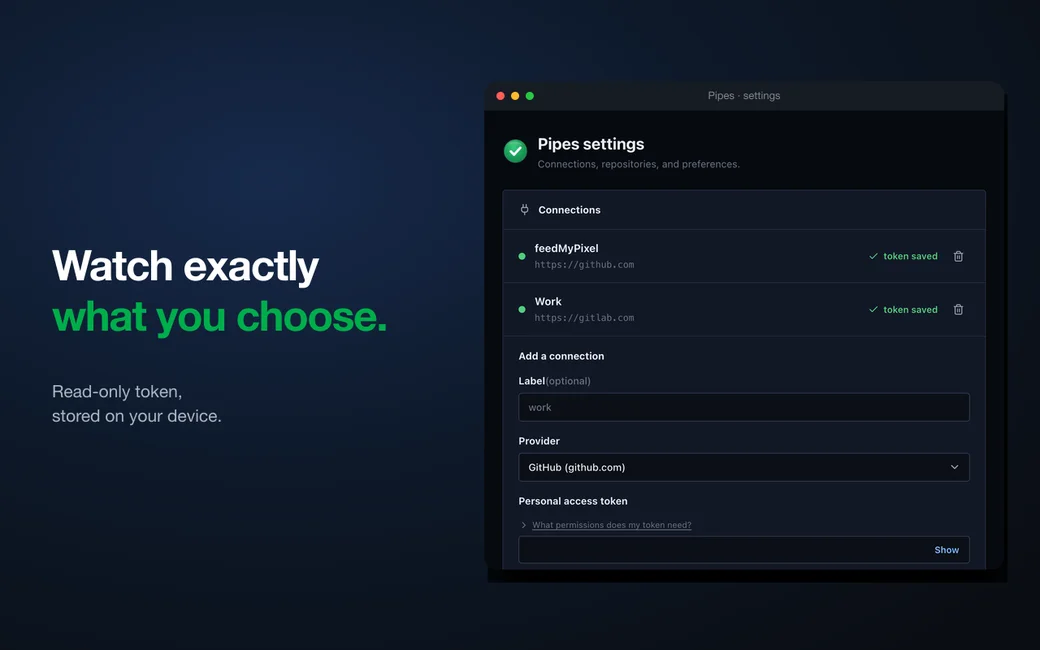
At my current gig we use GitLab (opens in a new tab) and for my own work I use GitHub (opens in a new tab). I have multiple repositories on both and I wanted a simple way to see what state my pull requests (PRs) and merge requests (MRs) are in. I also wanted to be able to see my teammates work and get alerted when main fails. Add this to a team and it becomes a very simple way to see what's going on with your work.
How it's built
The browser is where I am a lot when I'm making applications, so something on the side that I can easily read out of the corner of my eye felt ideal. I had always wanted to build a browser extension as I use them a lot, so this ticked all the boxes.
Then the stack: Svelte 5 (opens in a new tab), TypeScript (opens in a new tab), Vite (opens in a new tab) and the crxjs (opens in a new tab) plugin on Manifest V3 (opens in a new tab), with Chrome and Firefox from one codebase
Built with Claude
Requirements first, a task list with ai-dev-tasks (opens in a new tab), a design pass in Claude Design (opens in a new tab), then the build in Claude Code (opens in a new tab) with my own skills (opens in a new tab)
Try it
I use it daily. It's incredibly useful, especially when working with multiple repositories and multiple developers.